Scan, OCR, and convert
Office & PDF files
Everything runs on your device. Documents, photos and recognised text are never uploaded.
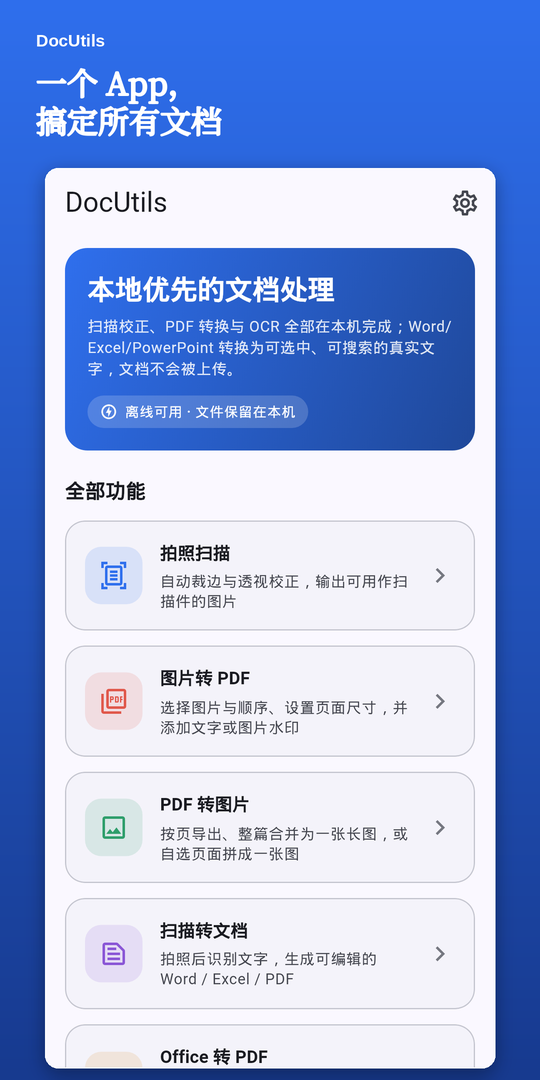
Everything runs on your device. Documents, photos and recognised text are never uploaded.
Camera scanning, images ↔ PDF, scans to Word/Excel, and Office files to real text PDFs.
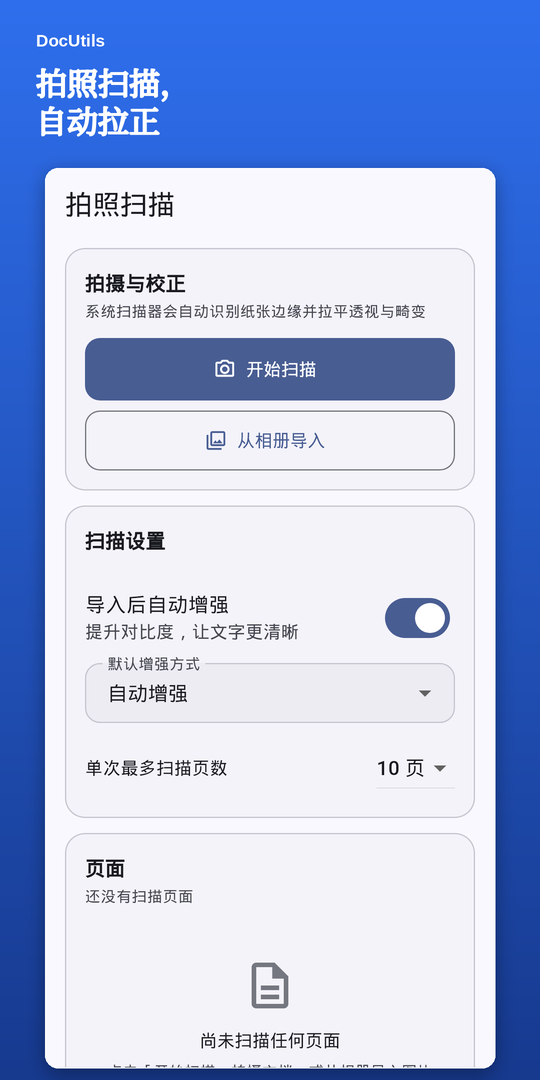
Automatic page edges and perspective correction; auto-enhance flattens shadows and uneven lighting.
Combine photos into one PDF with vertical, horizontal or grid stitching, page size, orientation and watermarks.
Export each page, merge everything into one long image with a chosen width, or combine selected pages.
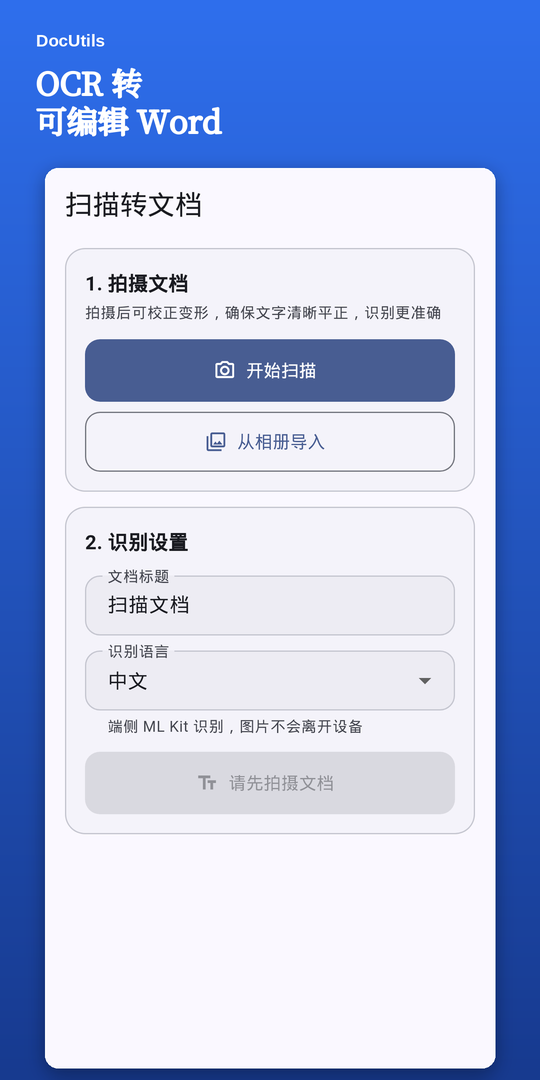
On-device OCR for Latin, Chinese, Japanese, Korean and Devanagari; export Word, Excel or PDF.
Word, Excel and PowerPoint become true text PDFs — selectable and searchable, with tables, sections and bookmarks.
Free up to 3 pages, and you can keep using it for free after that — one free export a month, plus one more for each short ad.


No uploads, no account, no profiling. The app only talks to Google when you actively use the rewarded video or the subscription, and those requests carry no document content.
Conversion, OCR and layout all happen on your phone.
Install and go — no sign-up or login.
The main features need no network.
Pick a .docx in DocUtils. The built-in on-device layout engine writes a real text PDF (selectable and searchable) — no computer needed and nothing is uploaded.
Take a photo or import one, and the app runs on-device OCR (Chinese, English, Japanese, Korean, Devanagari), then exports an editable .docx or .xlsx.
Yes — export page by page, or merge the whole document into a single long image with a width you choose. Long documents keep their resolution.
No. Scan correction, conversion, OCR and layout all run on the device. The app only goes online when you actively use the rewarded video or the subscription, and those requests carry no document content.
Files up to 3 pages are free without limit. Above that you can still use it for free: one free export a month, plus one more for each short ad — or subscribe yearly for unlimited exports. No account or login.
